Offline AI for Android
Private AI.
On your phone.
Chat with AI right on your Android phone. Download a model once, then ask questions and draft ideas offline. Your chats stay on your device.

Free to download No ShroudChat account needed
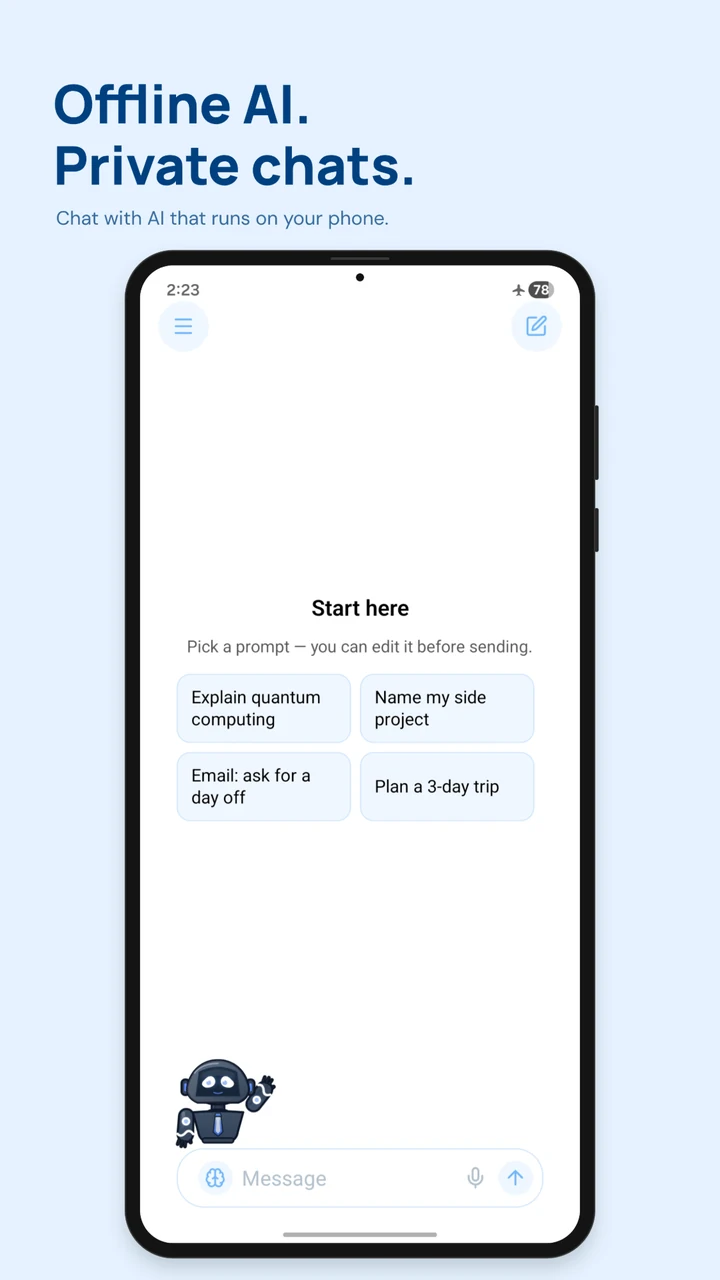
-
Private by design
Messages and replies stay local.
-
Works offline
Keep chatting after model setup.
-
Your choice of model
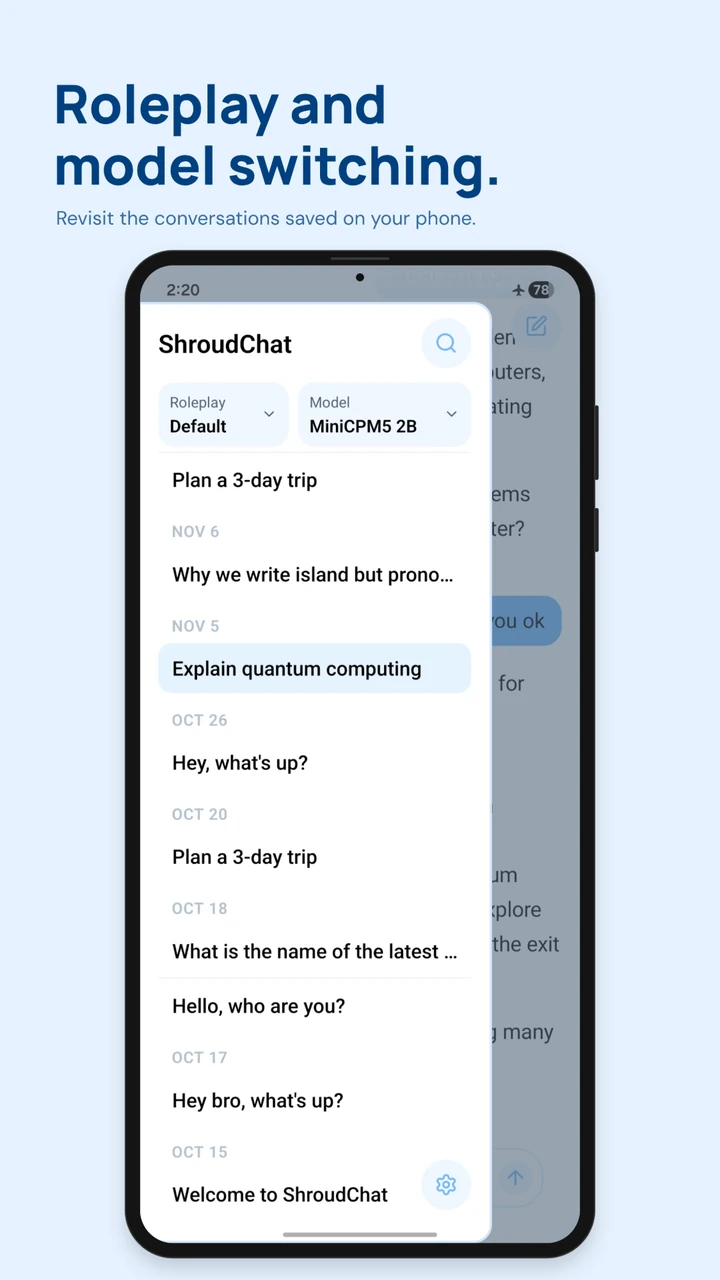
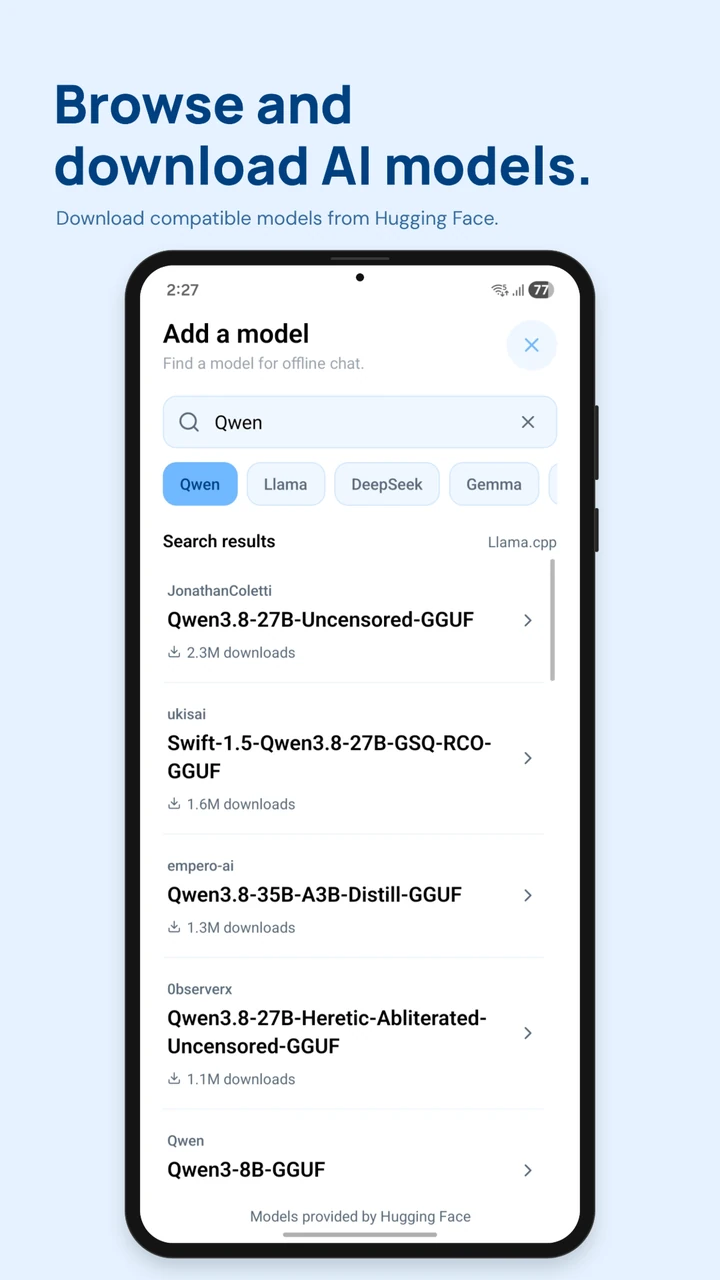
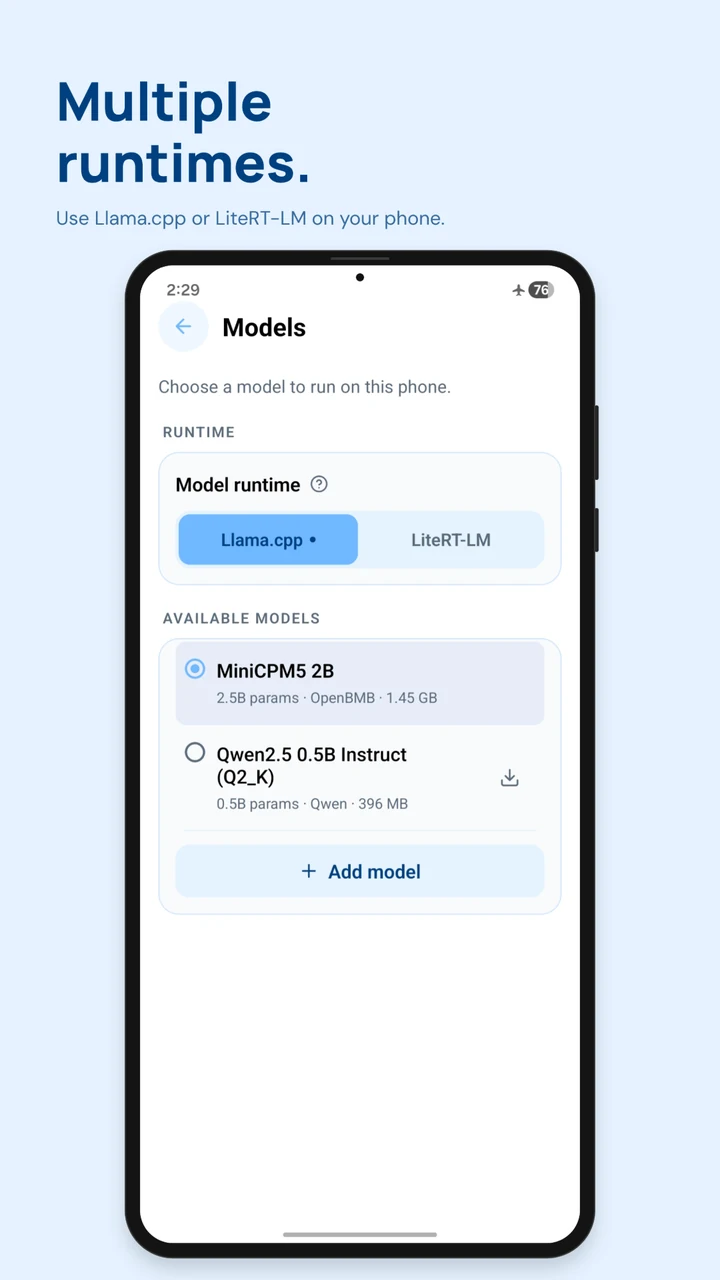
Browse and switch compatible models.
Inside the app
See ShroudChat in action.
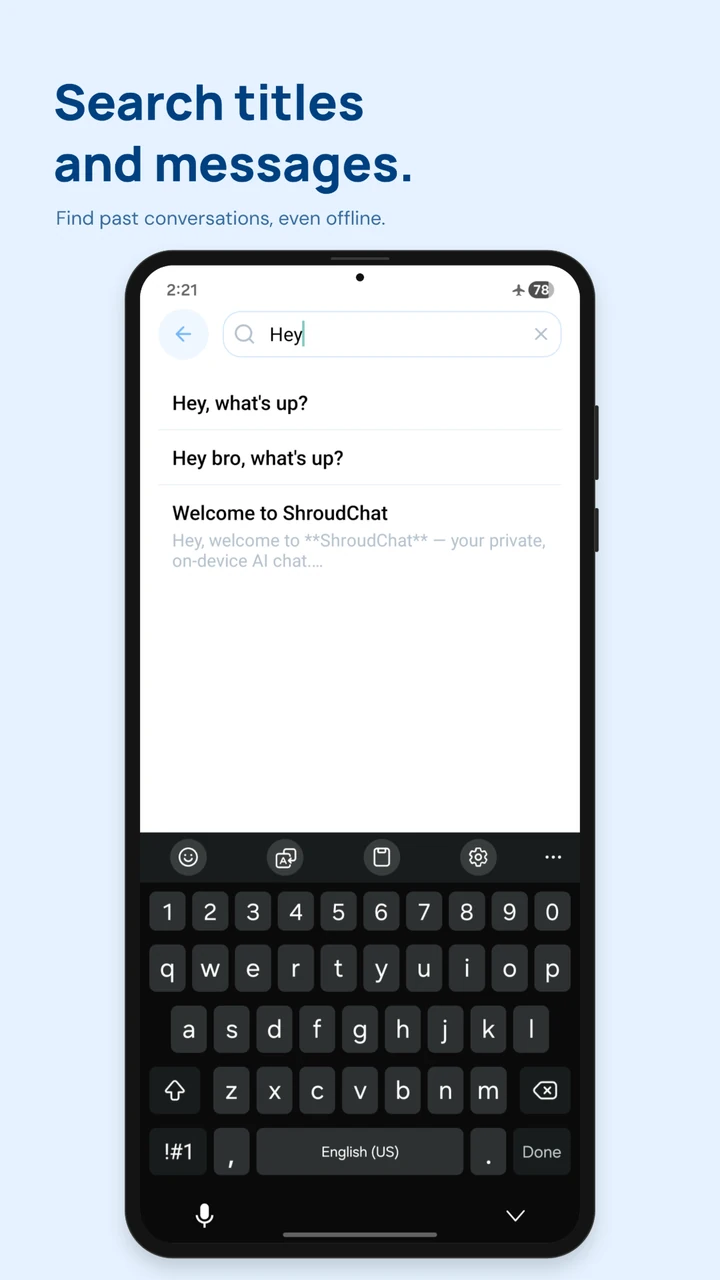
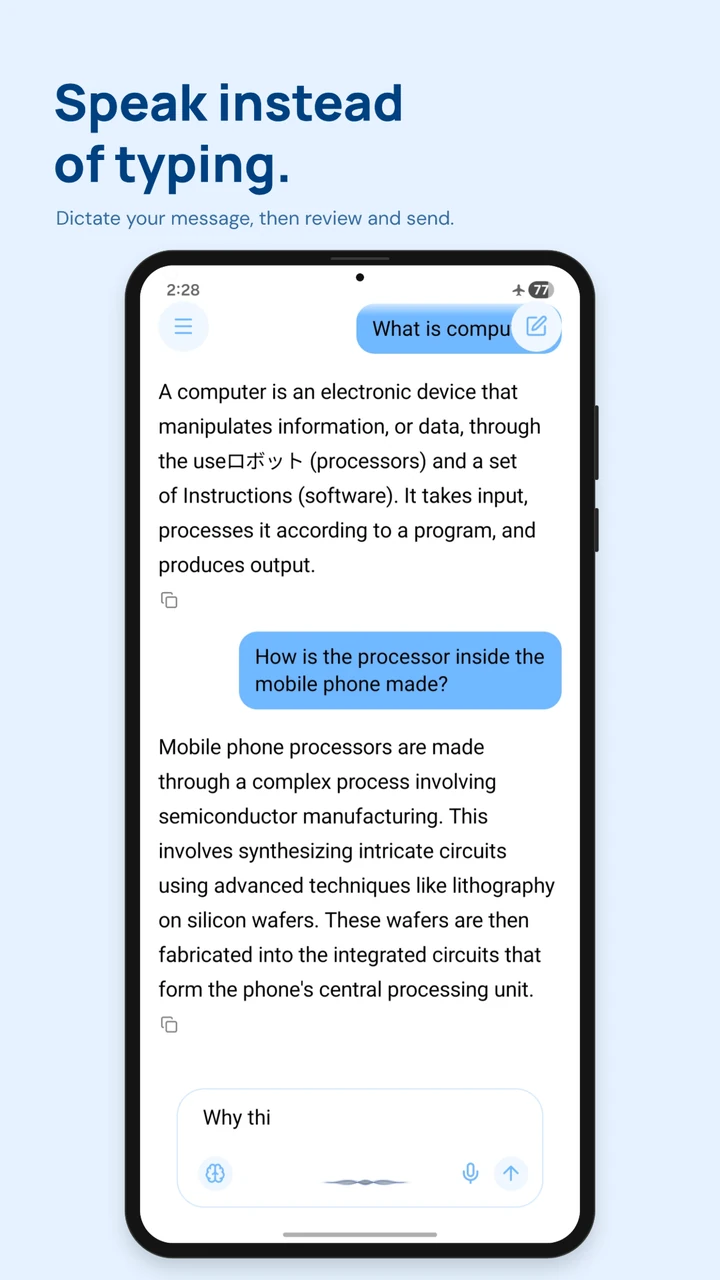
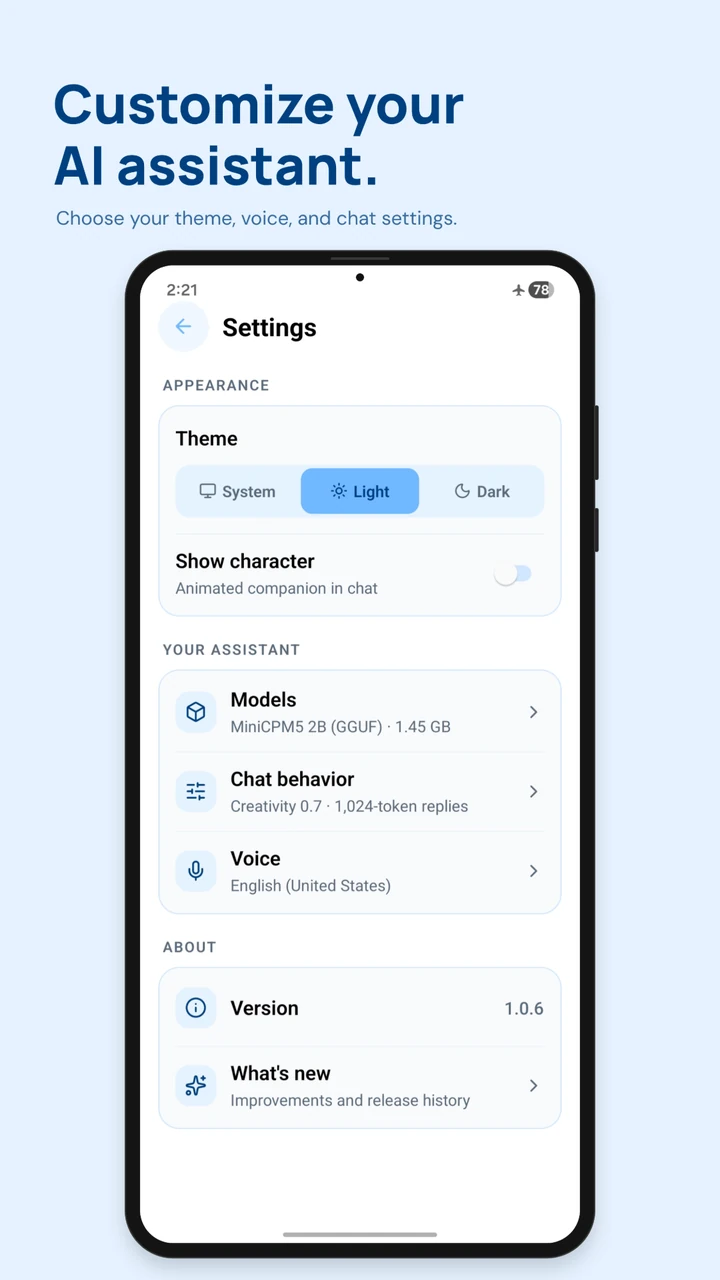
Start a chat, switch models, or find a conversation you had yesterday.
Getting started
Set up once. Chat anywhere.
Install ShroudChat
Open the Google Play listing on your Android phone and tap Install.
Download an AI model
Open the app and download a model over Wi-Fi. Model sizes vary.
Take your chats offline
Start with a prompt or type your own. Keep the conversation going wherever you are.
FAQ
Before you install.
Do I need an internet connection?
You’ll need a connection to install ShroudChat and download your AI model. Once the model is on your phone, you can chat and search your history offline.
Will ShroudChat work on my phone?
ShroudChat is available for Android. Google Play shows whether you can install it on your device. Model size and memory needs vary, so make sure your phone has room for the model you choose.
Is ShroudChat free to download?
Yes. You can download ShroudChat from Google Play and use the app without creating a ShroudChat account.
Can I choose my own AI model?
Yes. You can browse compatible models from Hugging Face, download one to your phone, and switch between downloaded models in the app.
Does voice dictation work offline?
Yes, when your phone has the offline speech model for your language. You can review and edit the dictated text before sending it.

Get ShroudChat for Android.
Download a model, then take your AI chats offline.
